IBM Integration PoT Labs Home page
Generating credentials for Designer connectors on CP4i
Service Now Connector
To get started you will require admin level access to your ServiceNow account. If you want to create a free ServiceNow account to test out App Connect, you’ll have to register for a ServiceNow Account for the Developer Site at https://developer.servicenow.com . Once your account is activated, you can request a ServiceNow personal developer instance.
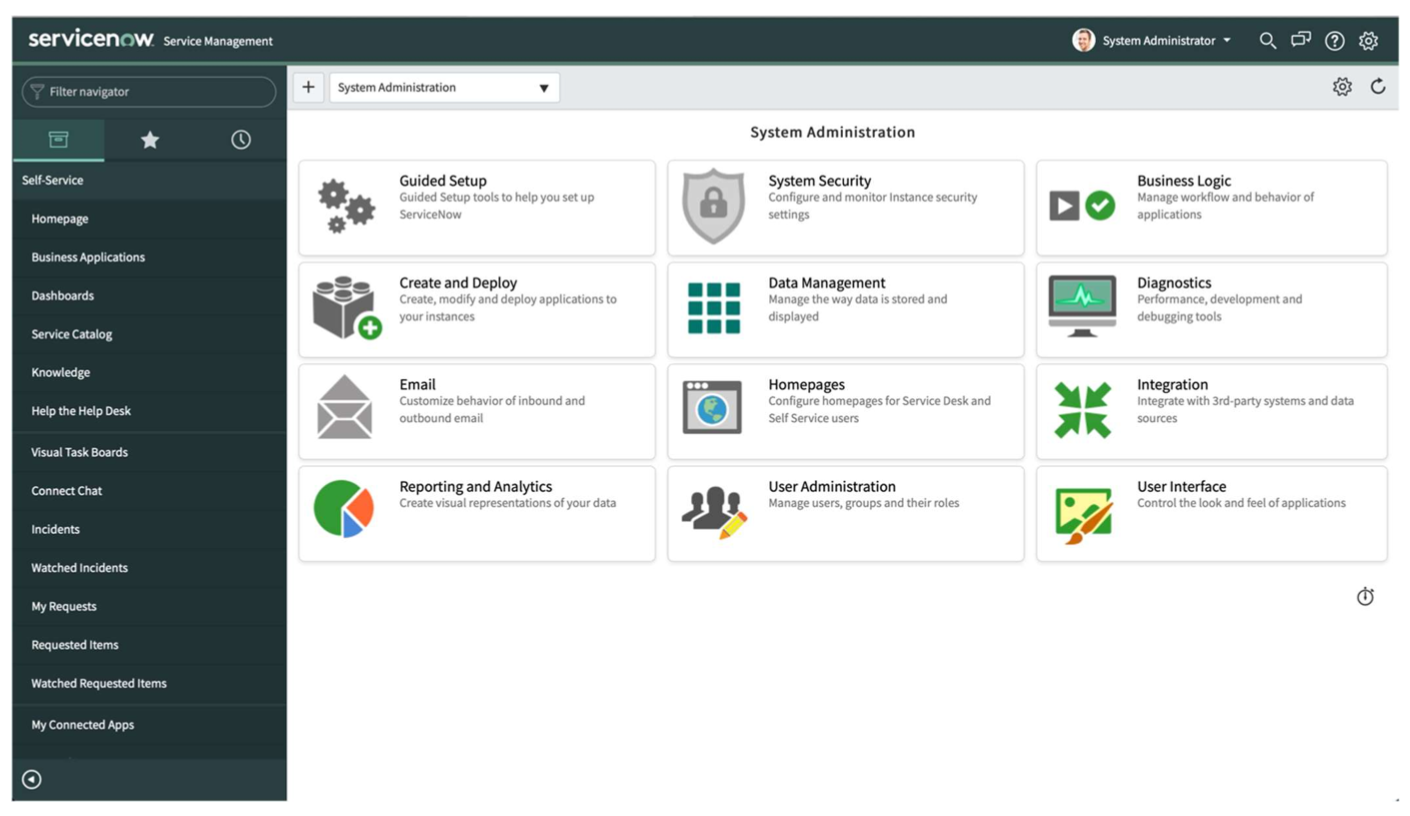
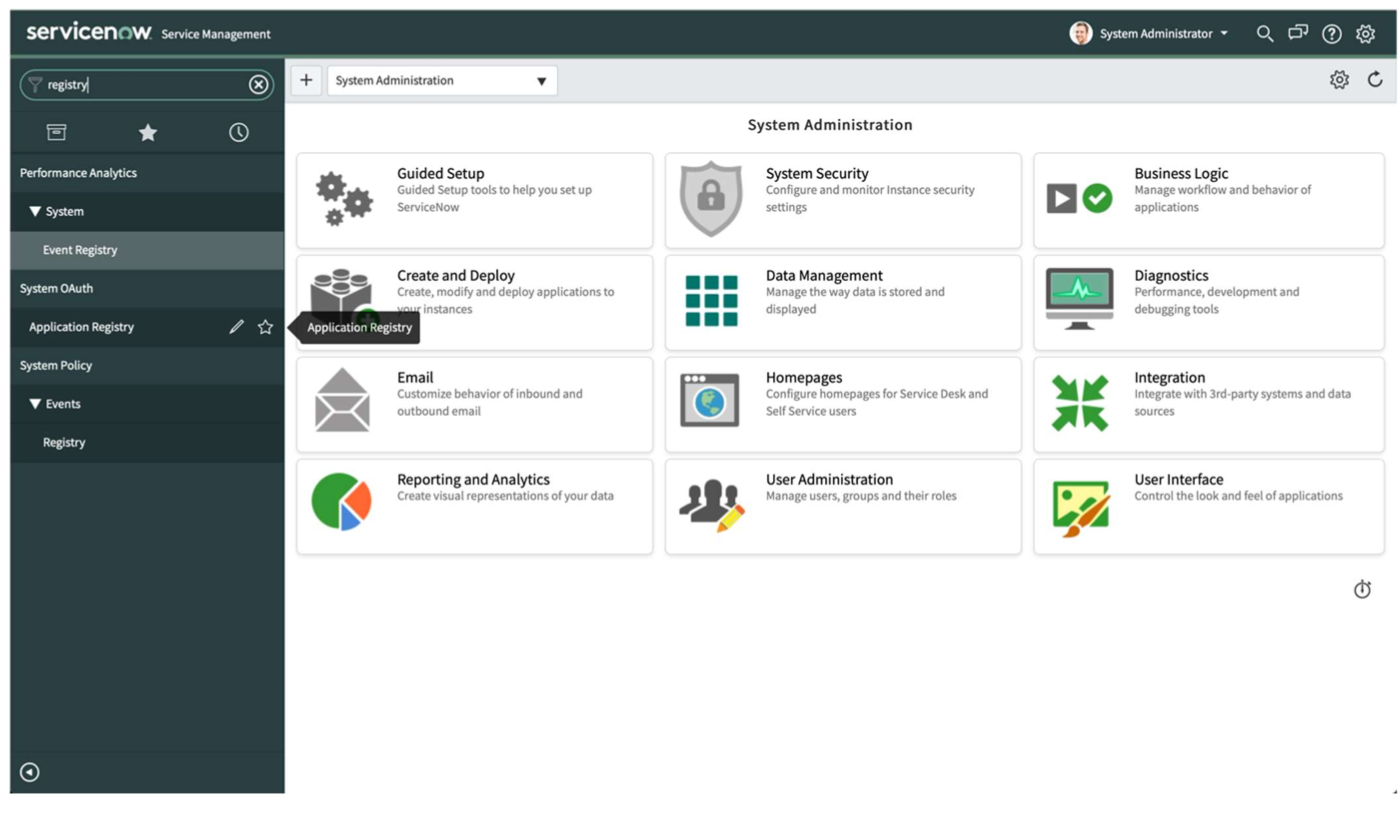
Search for Registry in Filter navigator search bar and then select Application Registry
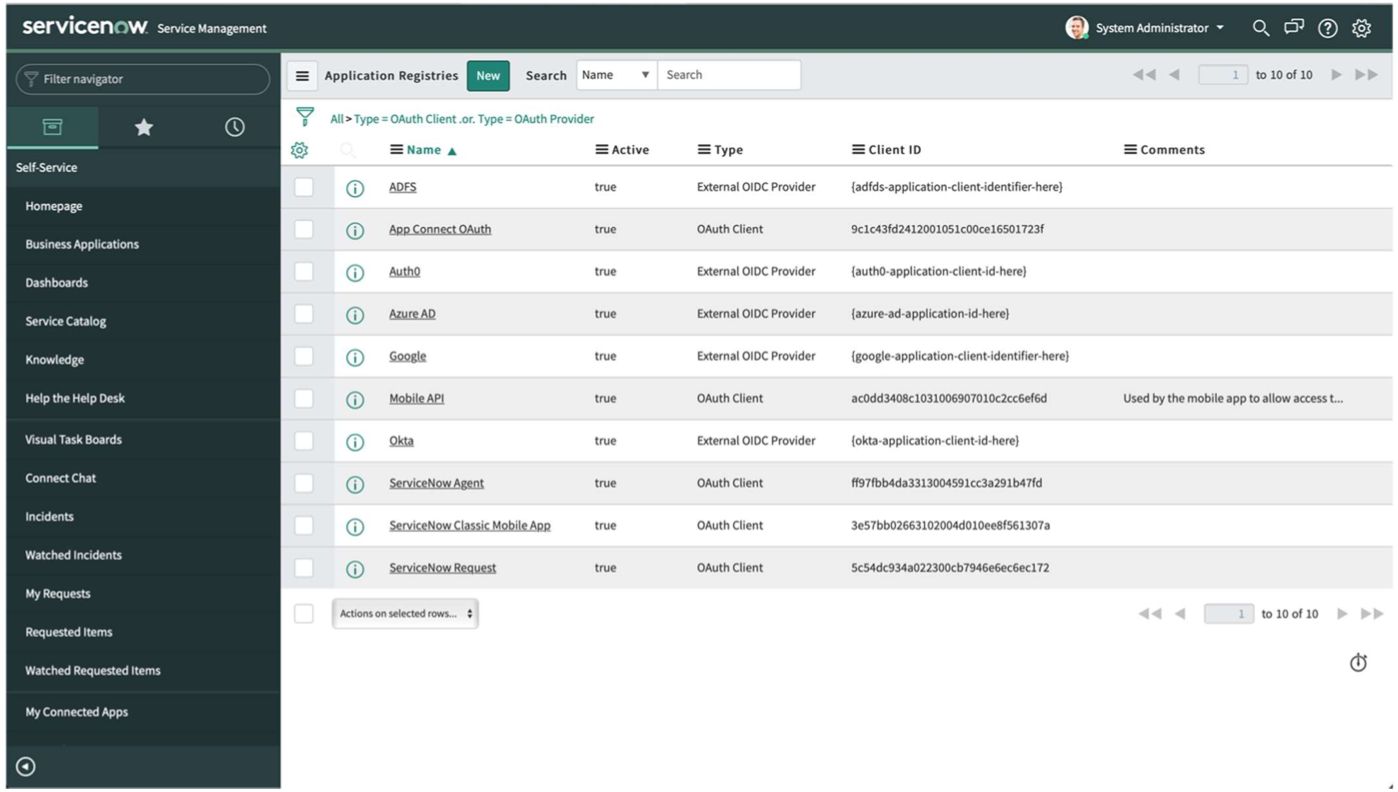
Click “New” and create an OAuth API endpoint for external clients
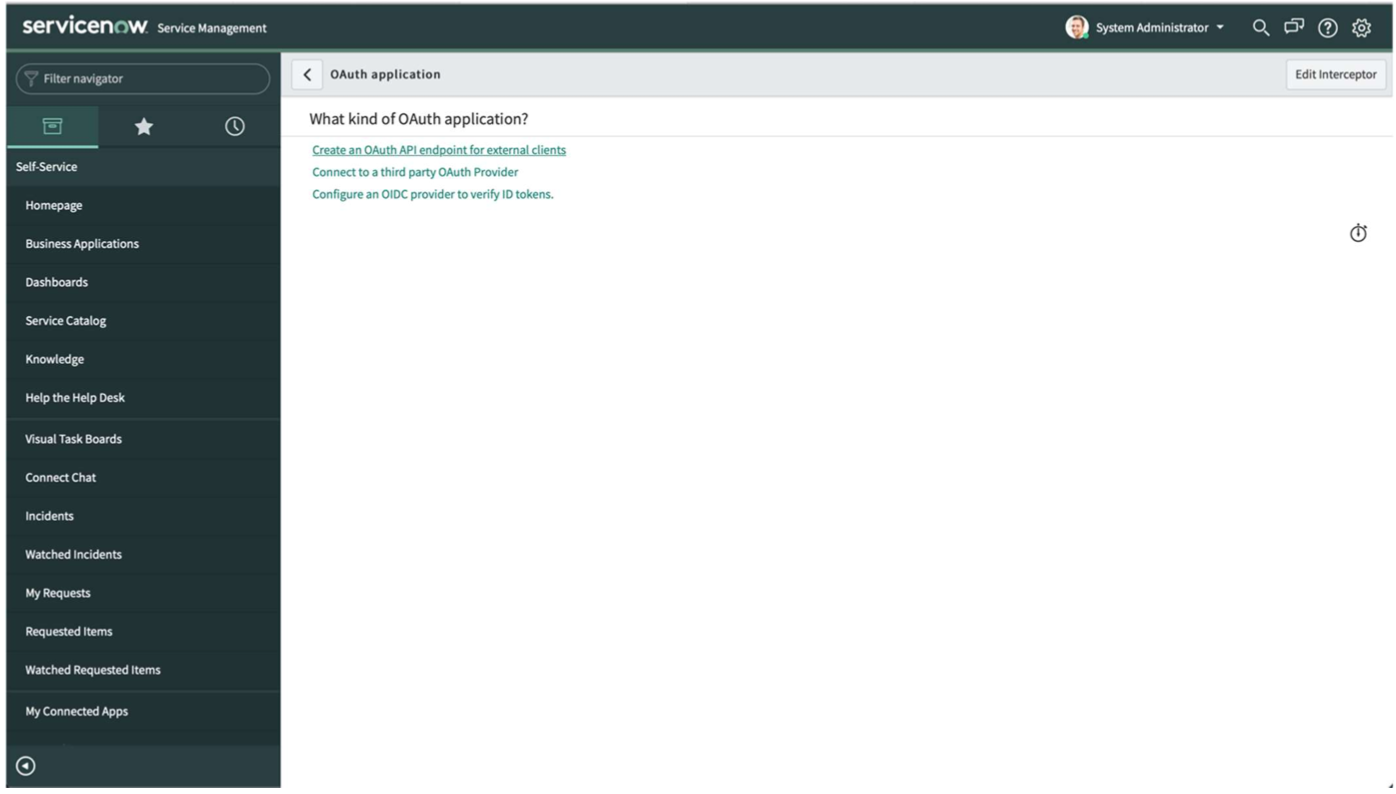
In the config panel give it a unique name and hit submit
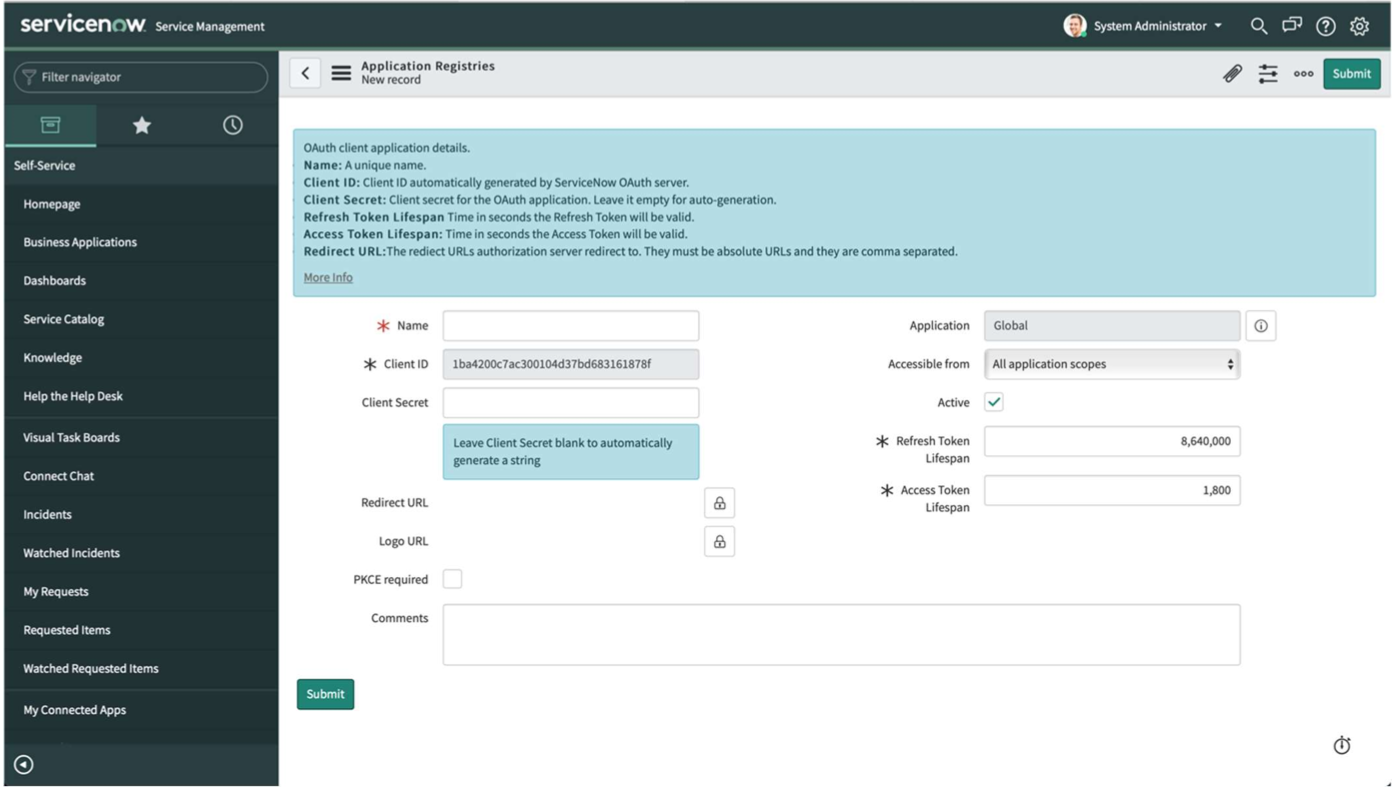
This will create a new OAuth endpoint with Client ID and Client Secret generated. You can view these details by clicking and viewing the new endpoint.
Save Client ID and Secret for future use.
Also, increase Access Token Lifespan to same as Refresh Token Lifespan.
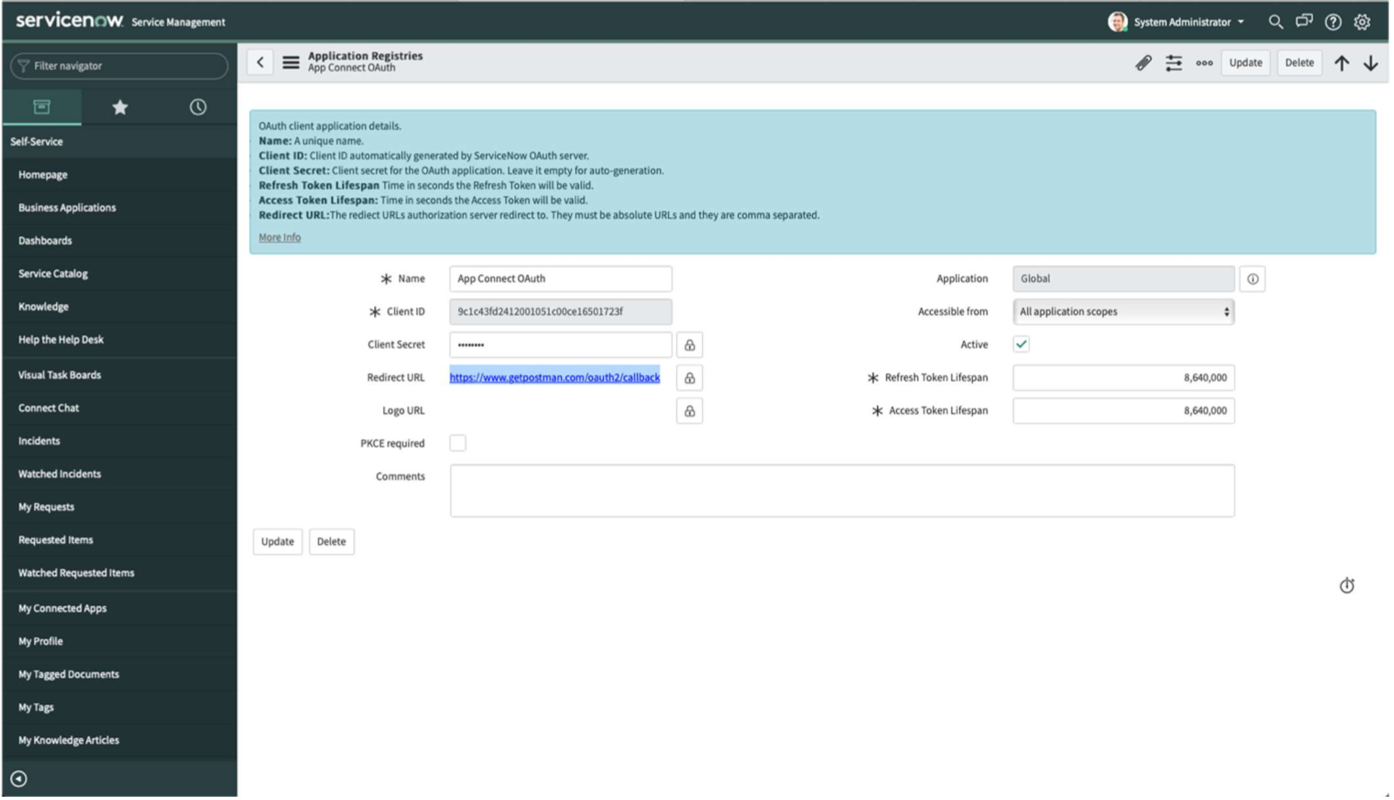
Click on Update button to save the changes.
- Save the Client id and the Client Secret to be used in App Connect to connect the smart connector to your instance.