IBM Integration PoT Labs Home page
IBM API Connect
Setup login on API Manager
1. Login to the API Connect API Manager
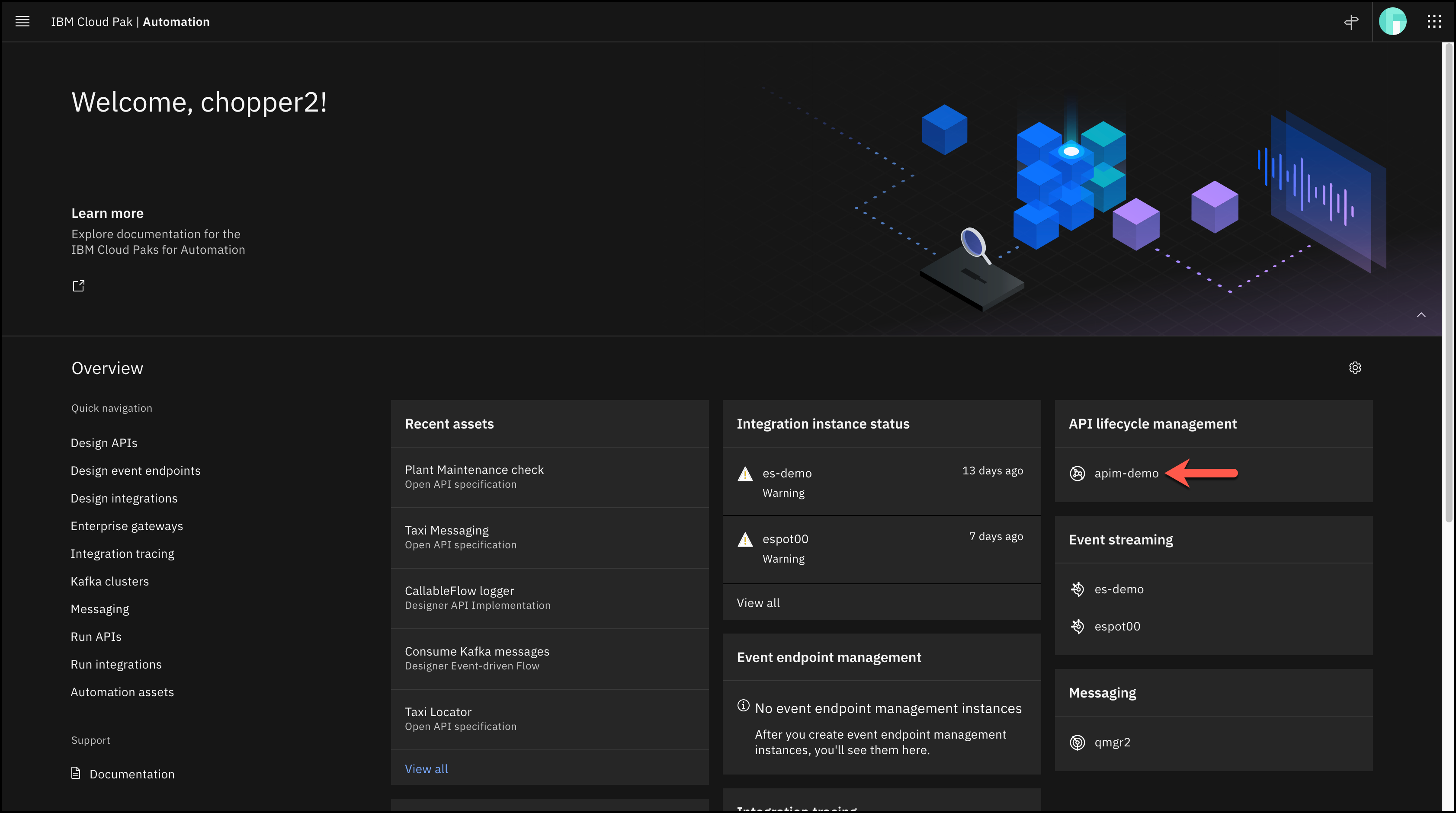
1. Navigate to the API Connect instance.
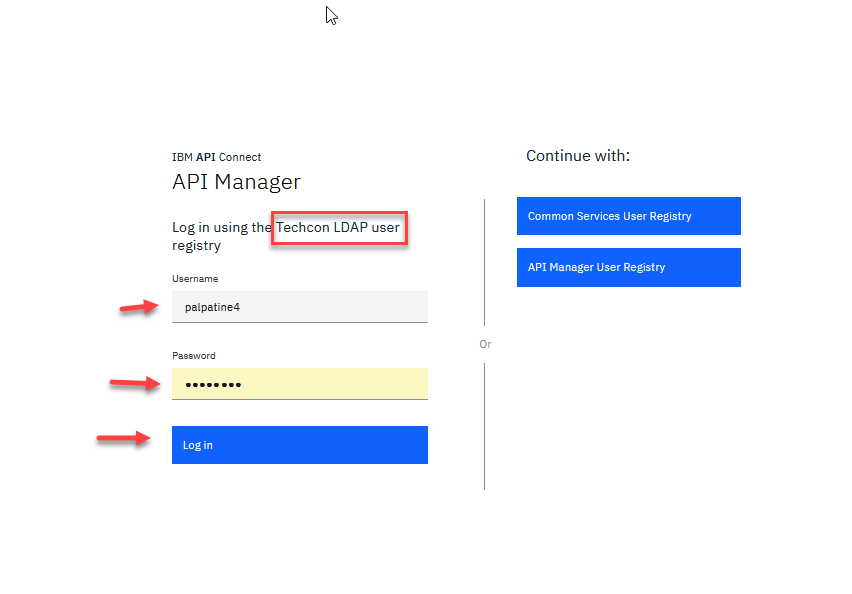
2. First time logging into API Manager select the TechCon LDAP.
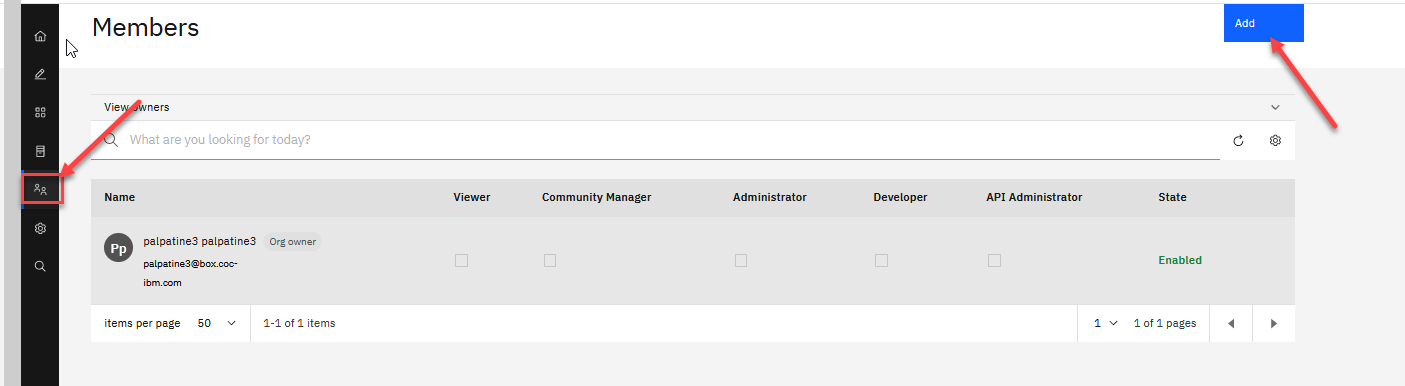
3. Select Members on the left menu and you should see just the one memeber. Click on Add and select Add member.
NOTE: if there are already two members you can skip the rest.
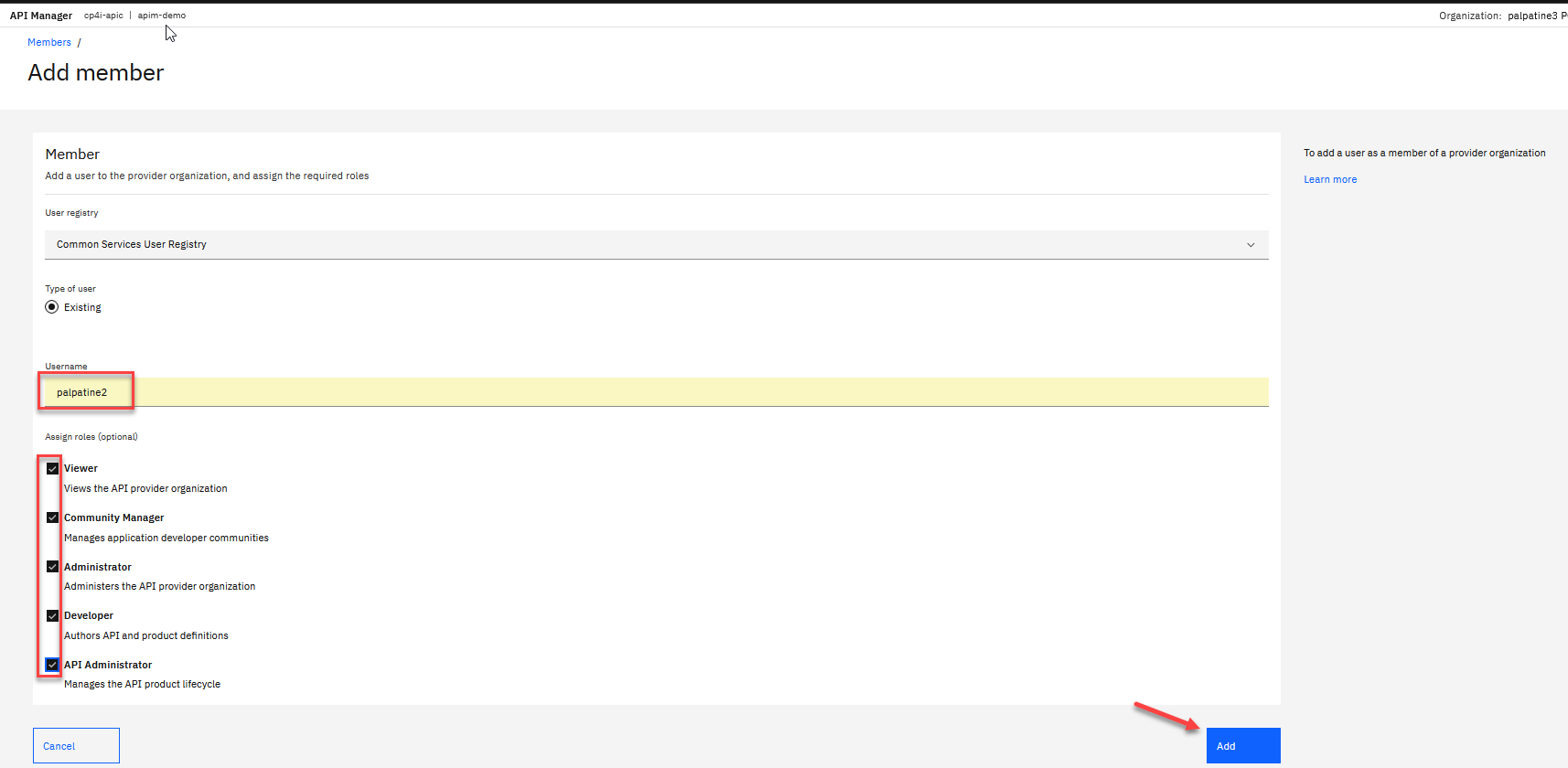
4. Leave all the defaults and enter just the userid you are using for the labs. In this example it is palpatine2. Also select all check boxes for the assigned roles and click on Add
5. Now make sure to log out since you are currently login using the TechCon LDAP.
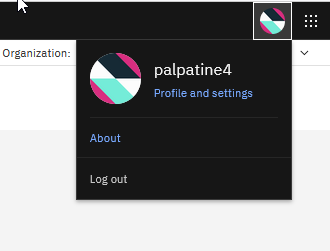
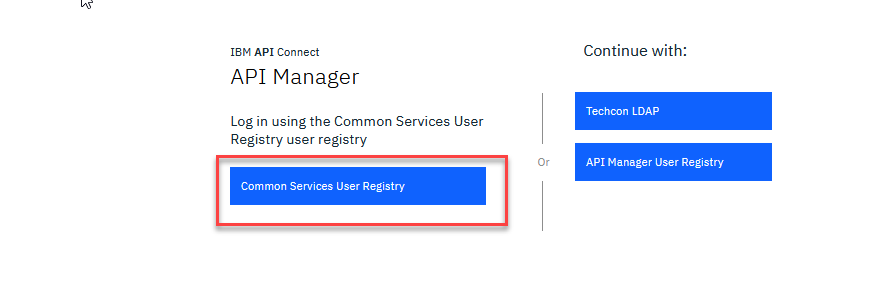
6. Now when you select API Manager again for the first time select the Common Services User Registry Now make sure to log out since you are currently login using the TechCon LDAP.
Note This will now always log you directly in using this registry and will provide the connection for co-authoring integrations.